Connect GitHub and Linear
Your PR reviews and assigned issues flow into the journal on their own — you review your day instead of transcribing it.
Half of what you do at work already lives in GitHub and Linear. Connecting them means the journal fills itself in: PR reviews land on the day you did them, issues assigned to you become tasks that keep their status in step. Integrations are per-company, so your client’s Linear and your employer’s GitHub never share a page.
1. Open the company’s integrations page
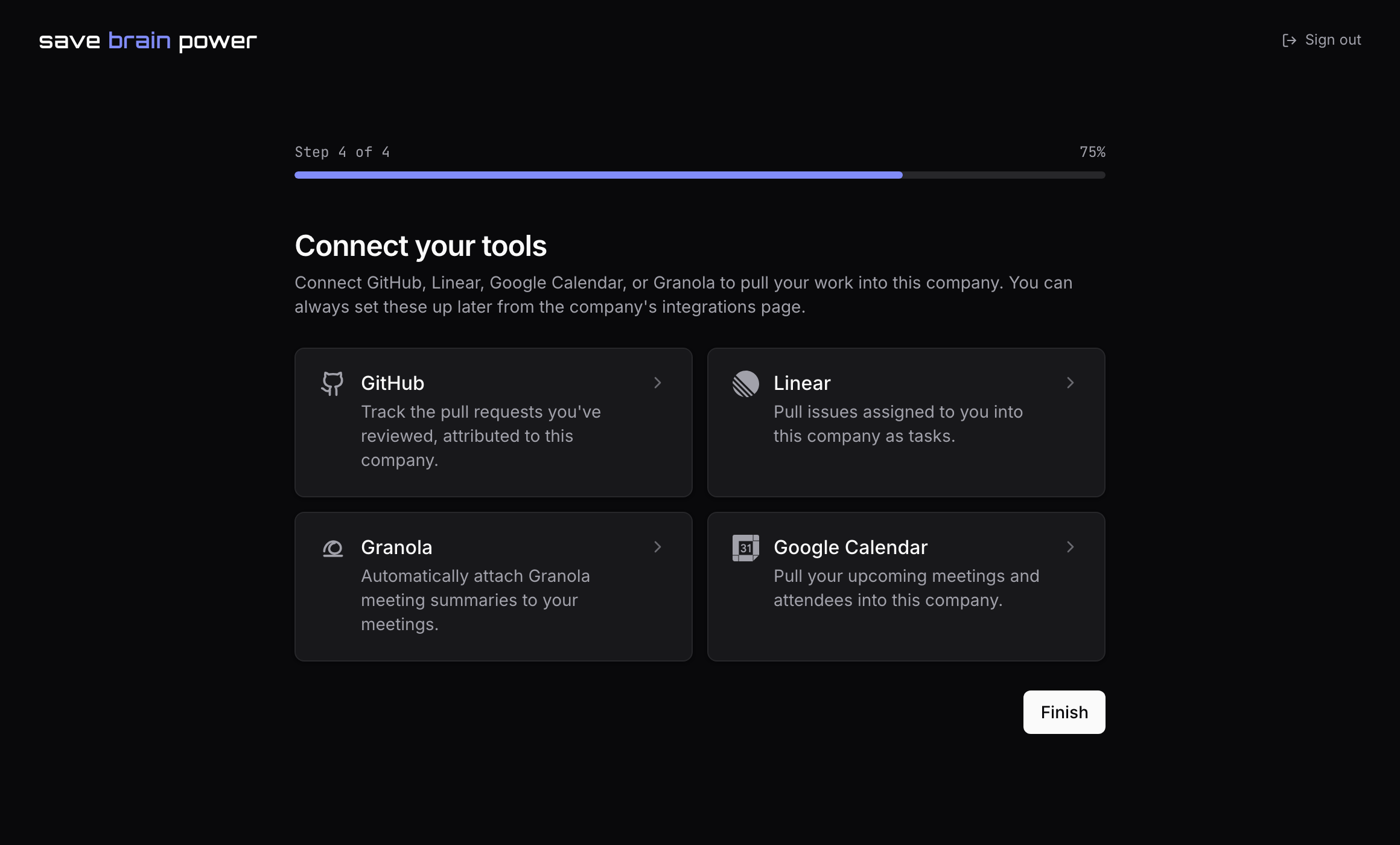
Go to Companies, open the company, and switch to its integrations. Four tools can feed this company: GitHub, Linear, Google Calendar, and Granola. Hit Connect on GitHub first.
2. Connect GitHub with a fine-grained token
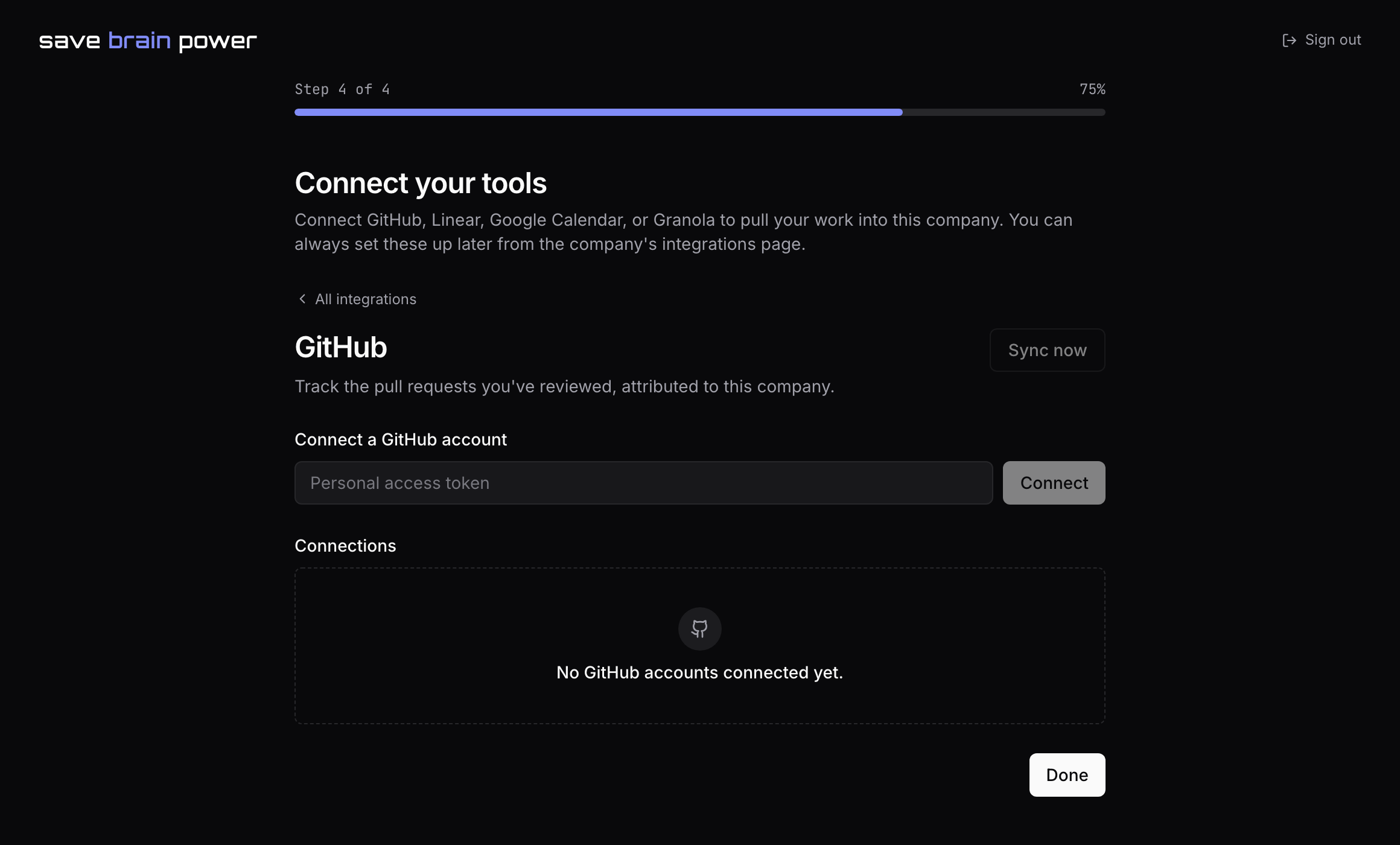
Paste a personal access token — a fine-grained token with read-only scopes is enough; the app only ever reads — and hit Connect. From here on, every pull request you review syncs in as a receipt attributed to this company: repo, number, date.
Why reviews? Tasks tell what you shipped; reviews prove what you did for everyone else’s work. Come performance season, that’s the half of your impact nobody else wrote down.
3. Connect Linear with an API key
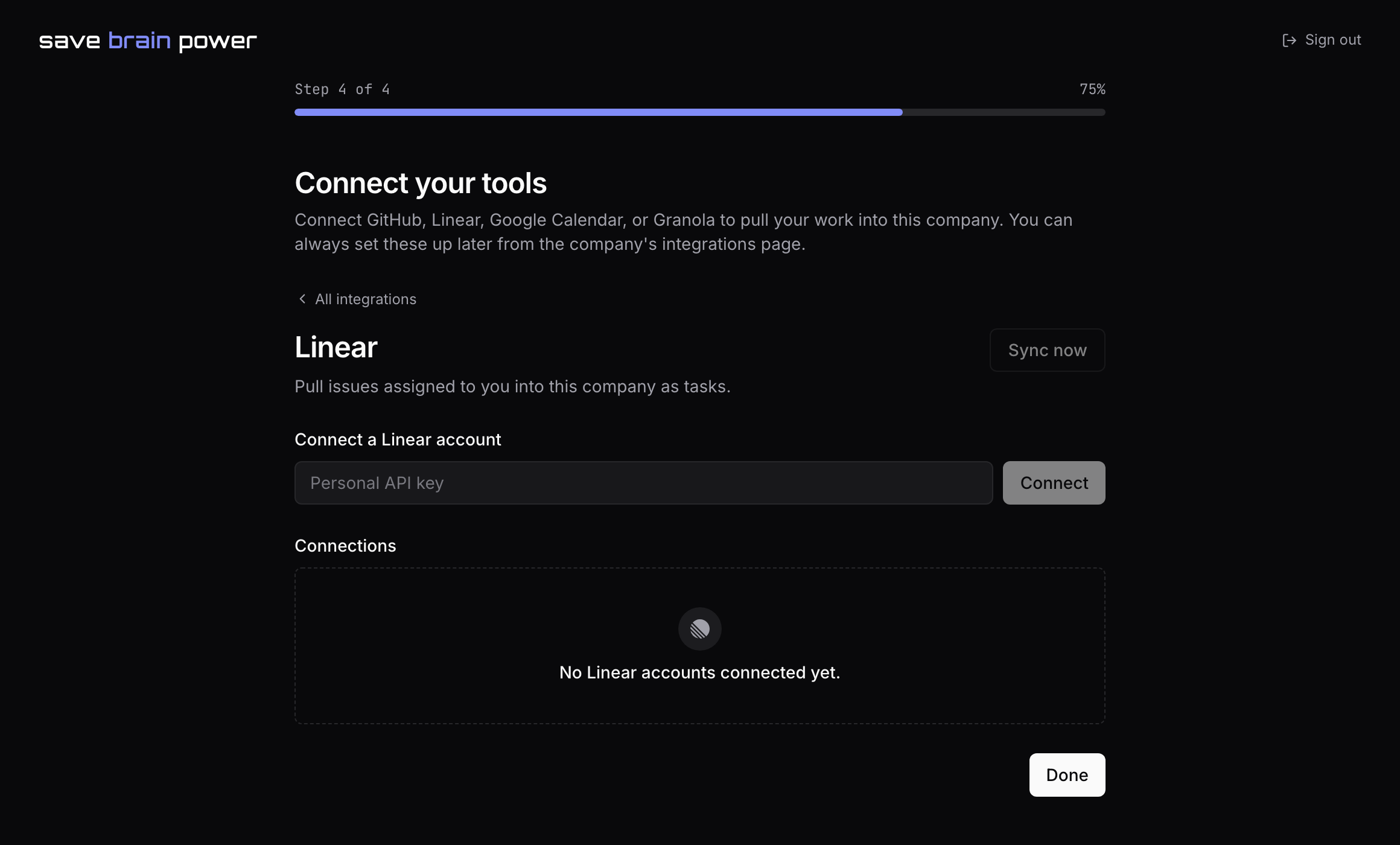
Same shape: paste a Linear API key and connect, then choose the teams to follow. Issues assigned to you sync in as tasks — reference, title, status — and completing them in either place keeps the other honest.
4. Watch the day assemble itself
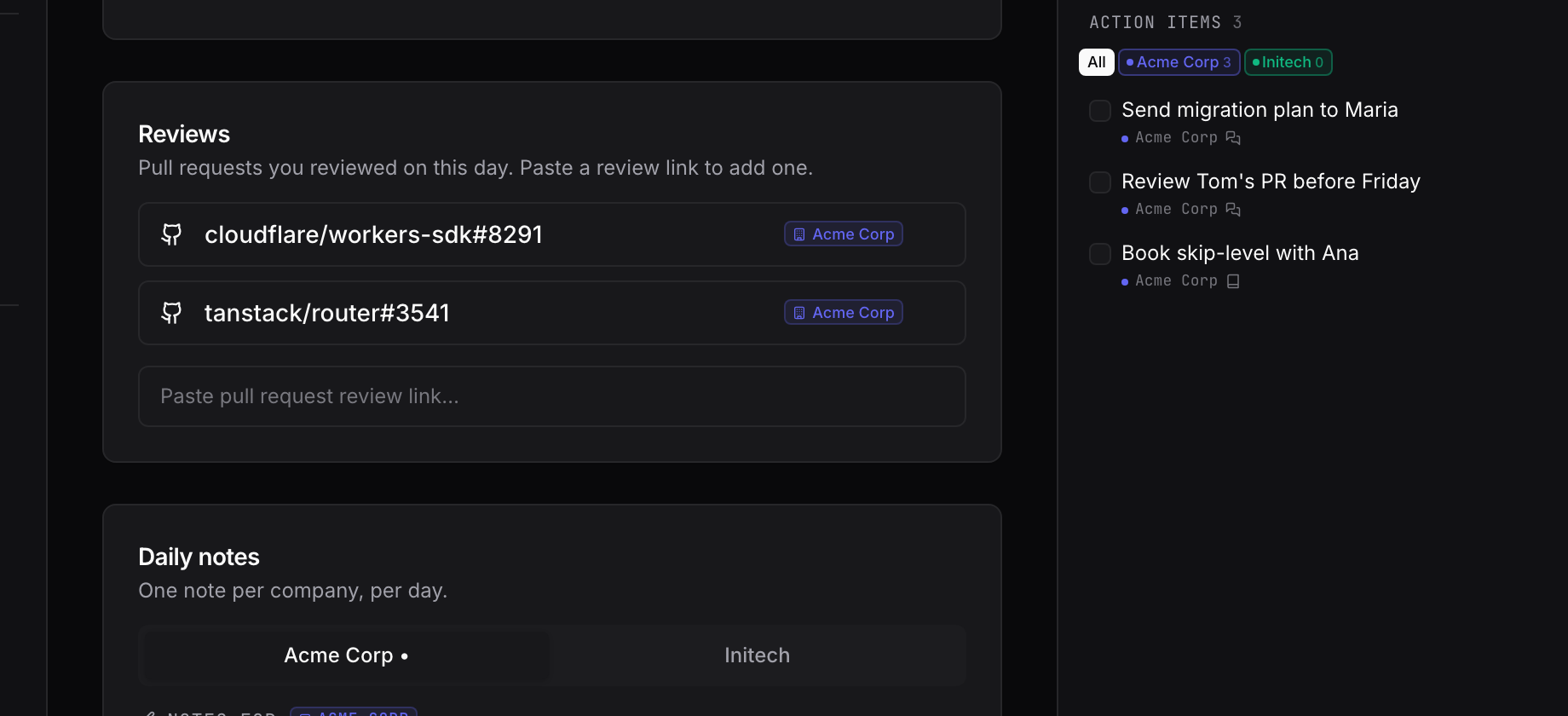
Back on the journal, the day fills in on its own: reviewed PRs stack up as receipts in the Reviews card, and synced issues sit in your task list with their references. Syncing runs automatically while the app is open; the sync button in the top bar forces a pass, and each integration page has a Sync now of its own.
Meetings are the other half of your day: sync Google Calendar next.